One click saves any article, video, or thread. Every Sunday, a digest with short summaries of everything you saved. Read what still looks good. Skip the rest.
Free. No card. Save first, sign up when you feel like it.


The whole system

One click in the browser, one tap on the phone. No folders, no tags, no filing. Close the tab and move on.

Seriously — that's the design. We remember it so you don't have to. This is the optional step, and everyone does it anyway.
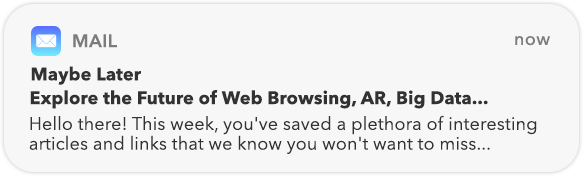

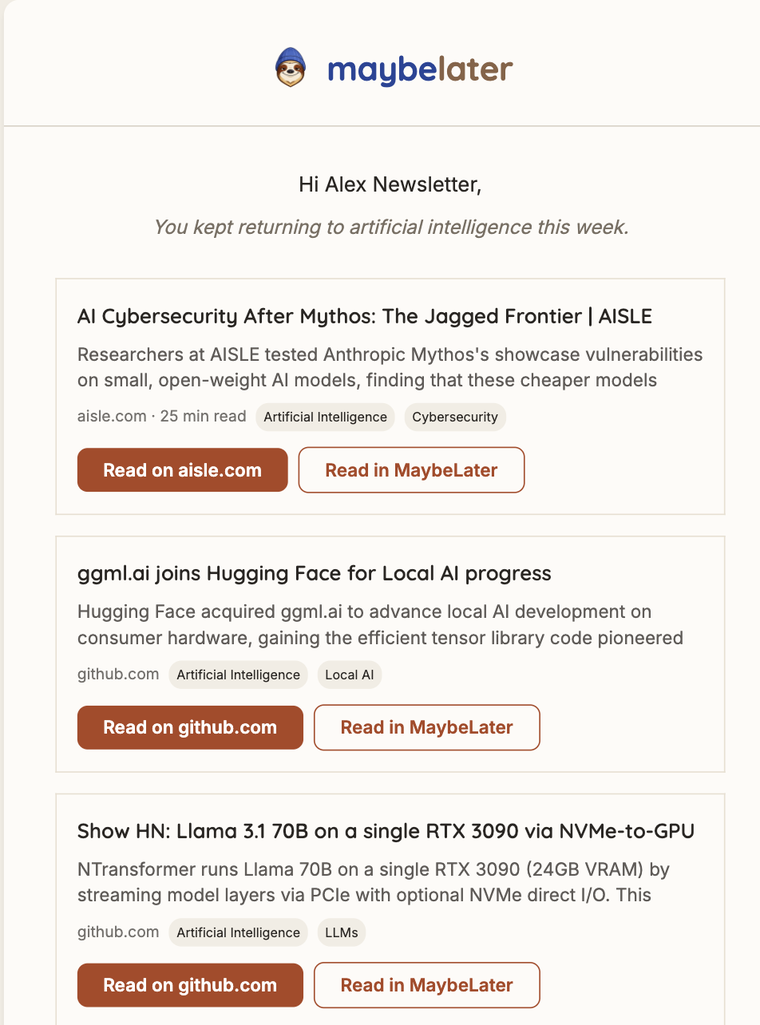
One email, Sunday morning, everything from your week. Scan it over coffee. Open what still looks interesting.
Sunday morning
This is the digest — the thing everything else here exists to deliver. Every save from your week, each with the gist, opening with a line about what you were into.
It lands Sunday morning in your inbox, and in the iOS app if you'd rather read it there.
The honest part
Nobody does. Other apps respond to this by growing a number in a red badge. We respond by making sure every save leaves you with something: the summary in your digest is the gist, even for the ones you never open. Once an item has appeared in a digest, it retires from your queue — read or not, it's handled.
And for that 40-minute essay you know you're never getting to, there's a button called "Maybe never." No judgment.


About the robots
Every save gets a two-line summary and a few sensible tags. Your Sunday email gets a subject line. That's the whole act.
No chatbot. No AI feed. Nothing writes on your behalf. It reads a little, quietly, so that skipping things costs you less.
Things we refuse to build
And absolutely no "You have 1,437 unread articles."
MaybeLater doesn't want your engagement. It wants your Sunday morning, and only the good part of it.
Suggestions
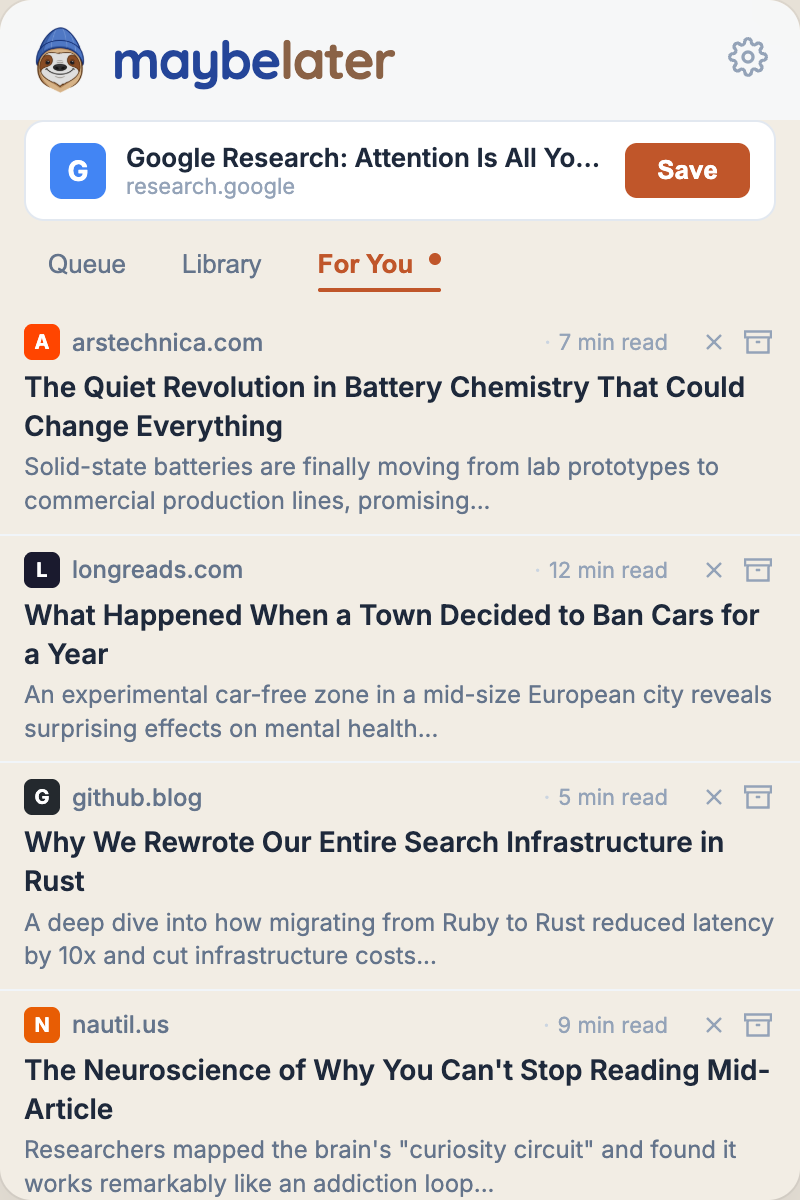
Save enough and MaybeLater starts quietly suggesting pieces you might like, drawn from good sources and matched to what you actually save. It's the shelf a librarian left out for you — a handful of links, no infinite scroll, nothing fighting for your attention.

Your data
Coming from Pocket or Instapaper? Import your whole library in one click — years of saves, nothing lost. And everything you keep here exports right back out, CSV or JSON, whenever you want it.
Read-later apps have a habit of disappearing. Your reading list shouldn't go with them.
Pricing
Both get the Sunday digest. Both get summaries. That part isn't for sale.
The whole system, smaller.
$0
For the heavy savers.
$9.99 /month or $99 a year
Questions
Anything else, email support@maybelater.io — a person reads it.

Save a few things this week. See how it feels.
Get your first digest